
 To the App
Search for Articles
How to create a short link?
You can create short links in your account either within a specific campaign or without one — such links will automatically be added to the Default Campaign.
What Is a Campaign?
A campaign is a way to organize your links for better tracking and management. Think of it like a folder that groups related links together. For example:
- You might create a campaign for a marketing initiative (like “Summer Sale”);
- Or group links by content type (like “Blog Posts” or “Social Media”).
Campaigns help you track performance of related links together and stay organized as your link collection grows. Global settings for links are made from campaign settings, i.e. links are managed through the settings of the campaigns in which they are created. At the same time, the Default campaign is designed to serve for links without a specific link to any marketing campaign and it does not allow applying advanced settings.
Creating a Short Link
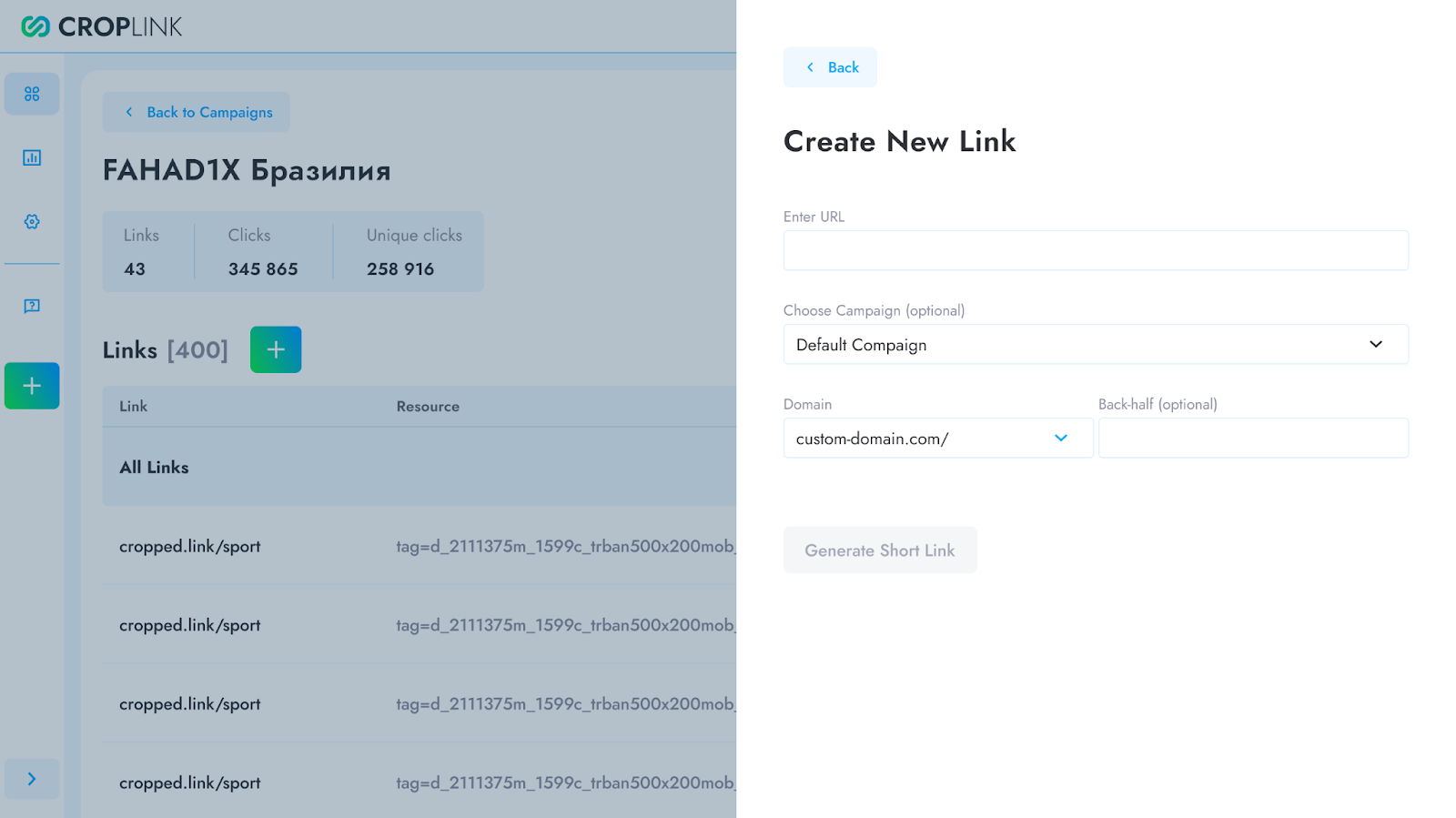
- Go to your dashboard and click the “New Link” button.
- Enter the original URL you want to shorten.
- (Optional) Assign the link to a campaign or leave it unassigned to place it in the Default Campaign.
- Click “Create Short Link” and see the result — your shortened URL is now ready to use!
Have another question?
Contact us