
 To the App
Search for Articles
How to create an account?
You can sign up in CropLink using your email and password or through Google authentication.
Via Email and Password
- Go to the sign-up page https://app.croplink.net/auth/login.
- Enter your email address and create a strong password.
- Click “Sign Up”.
- You’ll receive a confirmation email — click the link inside to verify your account.
- That’s it! You can now log in.
Via Google
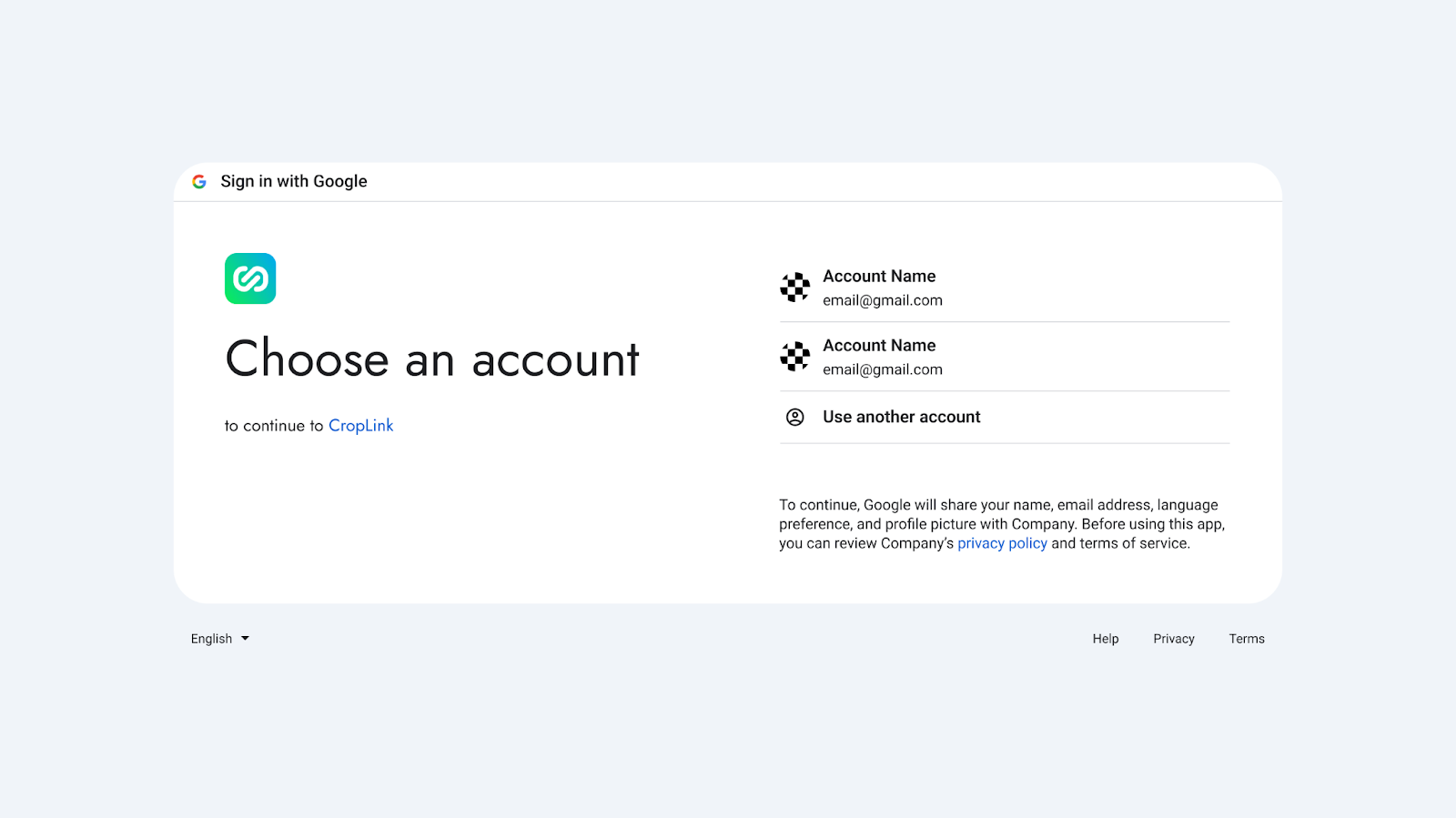
- On the sign-up page https://app.croplink.net/auth/login, click “Log in with Google”.
- Select the Google account you want to use.
- Grant permission to access your email (no additional data is required).
- After confirmation, you’ll be logged in automatically.
Have another question?
Contact us