
 To the App
Search for Articles
How to add mirror links on CropLink?
Mirror links provide automatic failover by redirecting traffic to an alternative domain when your primary domain is unavailable. This ensures maximum uptime for your links.
Simple steps to add a mirror:
- Navigate to Campaign Settings
- Go to your desired campaign
- Add a mirror domain (e.g., backup.example.net, alt-example.org) and save changes.
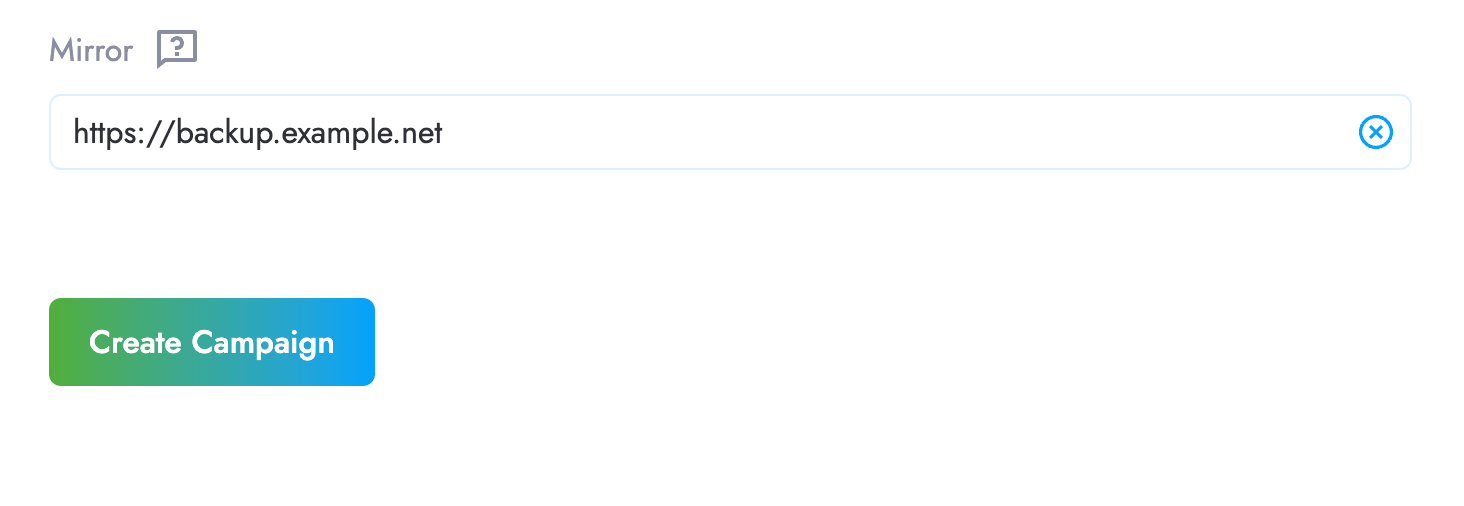
Note: CropLink provides uptime monitoring for all domains, once your mirror is unavailable you will see a warning message on your campaign dashboard.
Aside from setting mirrors manually, you can configure automatic mirror updates through our API. If you need help updating mirrors programmatically, contact our support team via it@croplink.net.
Have another question?
Contact us